Censoring an image online is one of the simplest ways to protect privacy before publishing or sharing a photo. Many images contain details that should not be visible to everyone, such as faces, license plates, addresses, documents, phone numbers, email addresses or private information in the background.
With CensorPic, you can censor images directly from your browser without installing complex photo editing software. The tool is designed to help you hide sensitive areas quickly and create a cleaner, safer image for online use.
Why censor an image before sharing it?
Photos often reveal more information than expected. A person’s face, a car plate, a house number, a badge, a screen, a document or even a reflection can make someone or something identifiable.
Censoring these details helps you:
- protect personal privacy;
- avoid accidental exposure of sensitive data;
- share images more responsibly;
- prepare photos for websites, blogs and social media;
- publish visual content with more control;
- reduce the risk of revealing private information.
Whether you are a private user, a company, a blogger, a journalist or a content creator, image censorship can be a useful step before uploading photos online.
What can you censor in an image?
You can censor many types of sensitive details, depending on the content of the photo. The most common elements include:
- faces;
- license plates;
- identity documents;
- phone numbers;
- email addresses;
- home addresses;
- personal signatures;
- QR codes and barcodes;
- computer screens;
- badges or access cards;
- confidential business information.
The goal is to make the selected part of the image unreadable or unrecognizable while keeping the rest of the photo usable.
How to censor an image online with CensorPic
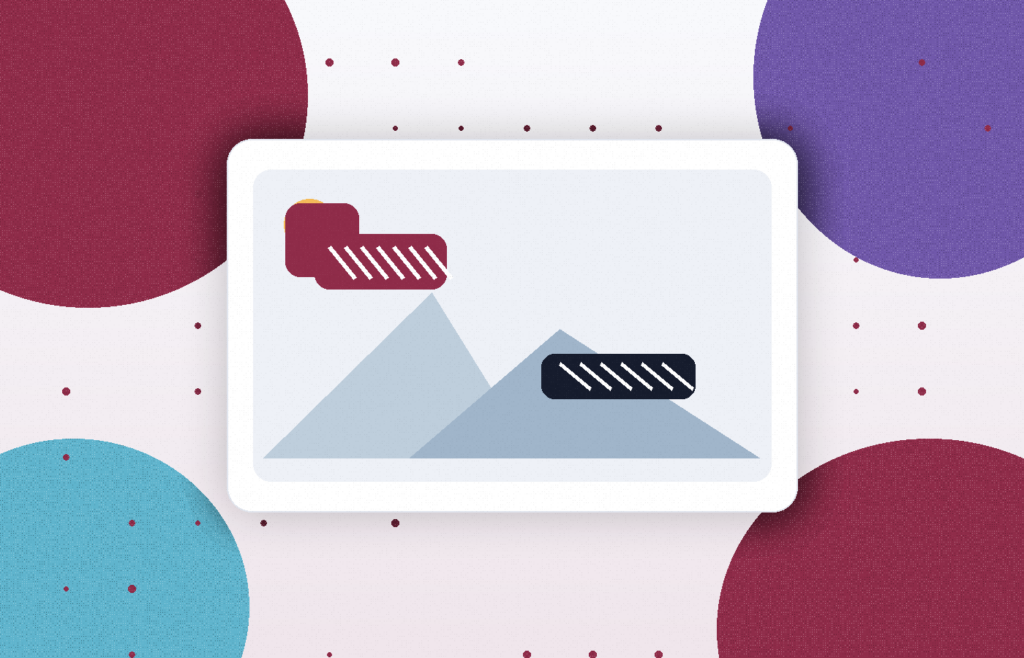
Using CensorPic is simple. Upload your image, select the area you want to hide and apply the censorship effect. Once the sensitive part is covered, you can download the edited image and use it wherever you need.
You do not need graphic design skills or professional editing tools. The process is fast, accessible and suitable for everyday use.
When should you use an online image censor?
An online image censor is useful whenever you need to share a photo that may include private details. For example, you can use it before publishing photos on social media, adding images to blog posts, sending screenshots to support teams, uploading documents, sharing property photos or preparing visual content for a public website.
It is also useful for businesses that need to handle images containing customers, employees, vehicles, documents or restricted information.
Censoring images and online privacy
Censoring visible details is only one part of image privacy. Some photos may also contain hidden metadata, such as location or camera information. For stronger protection, you can combine visual censorship with EXIF data removal or photo anonymization.
This gives you more control over both what is visible in the image and what is stored inside the file.
With CensorPic, you can censor images online in a simple, fast and practical way.
Try the CensorPic image censor tool and protect sensitive details in your photos.